db-convert.net has transitioned to our new identity: css-genius.com.
WordPress Theme Conversion Engine
CSS Genius
Bring your Lovable website
to a WordPress Theme
Within 10 Minutes
Keep the website you have already designed and give it a WordPress home. CSS Genius turns your exported project into an installable theme, carrying its layout, content and visual details into the new environment. Open the free preview to inspect the result before purchasing a download. The included visual editor lets you refine the finished pages without writing code.
Auto Detect uses the existing builder detection engine.
Drop your site ZIP file here
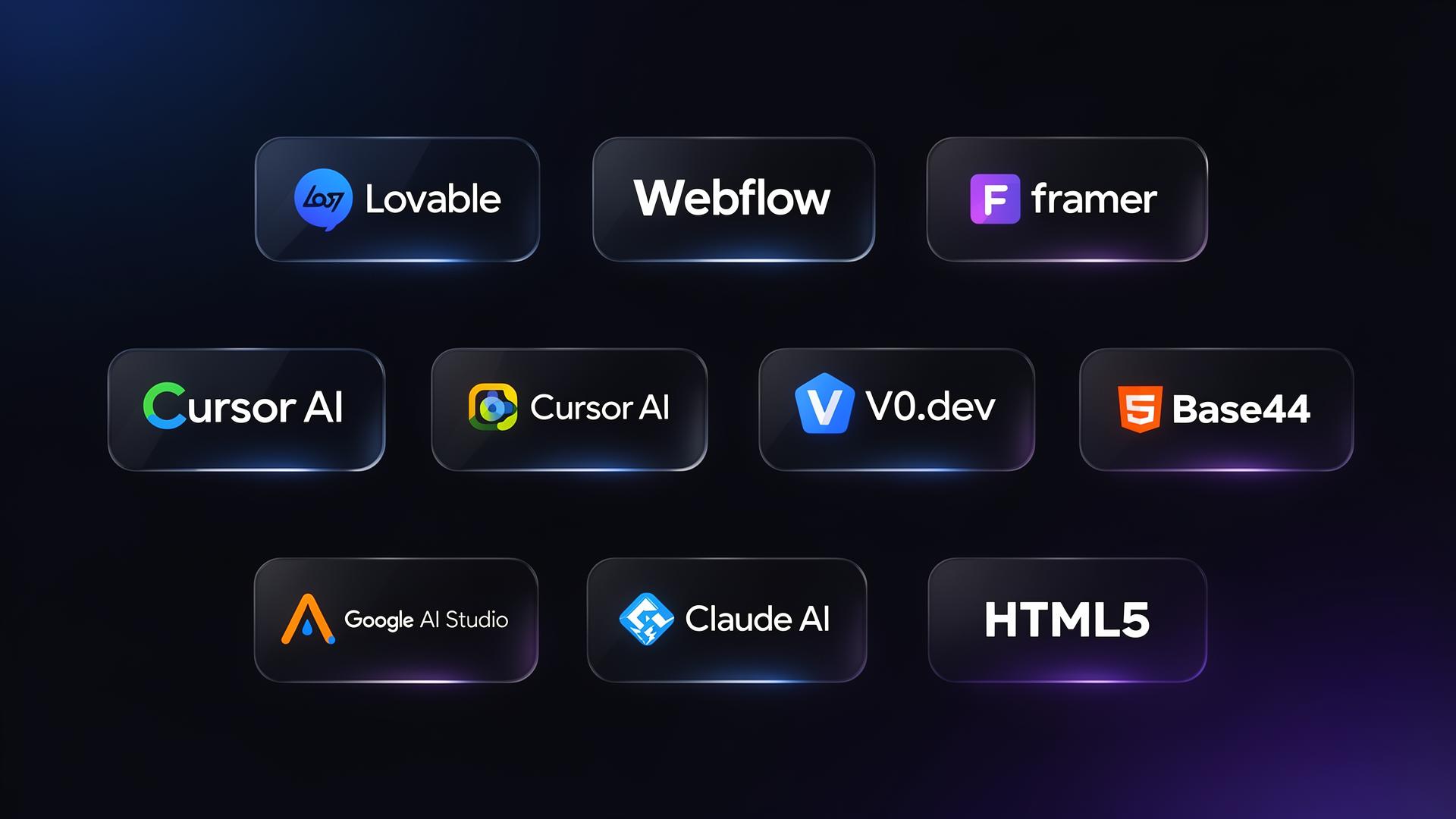
ZIP exports from Webstudio, Windsurf, Claude, Google AI, Bolt.new, Base44, V0.dev, Cursor AI, Replit, Framer, Webflow, Lovable, or HTML/CSS — 100 MB limit
✓ No registration for previews · ✓ Malware scanned · ✓ Free editor plugin included
Compatibility includes exports from
Video Tutorial
From repository to installed theme
Watch our step-by-step end-to-end demo, covering everything from source export to a fully active WordPress theme.
Transform your AI-built site to WordPress in under 5 minutes
Follow CSS Genius as it identifies the builder, examines the exported project and prepares a WordPress theme you can install.
Our 4-Step Website-to-WordPress Pipeline
A streamlined procedure that transforms your exported websites into native, installable WordPress themes with minimal manual intervention.
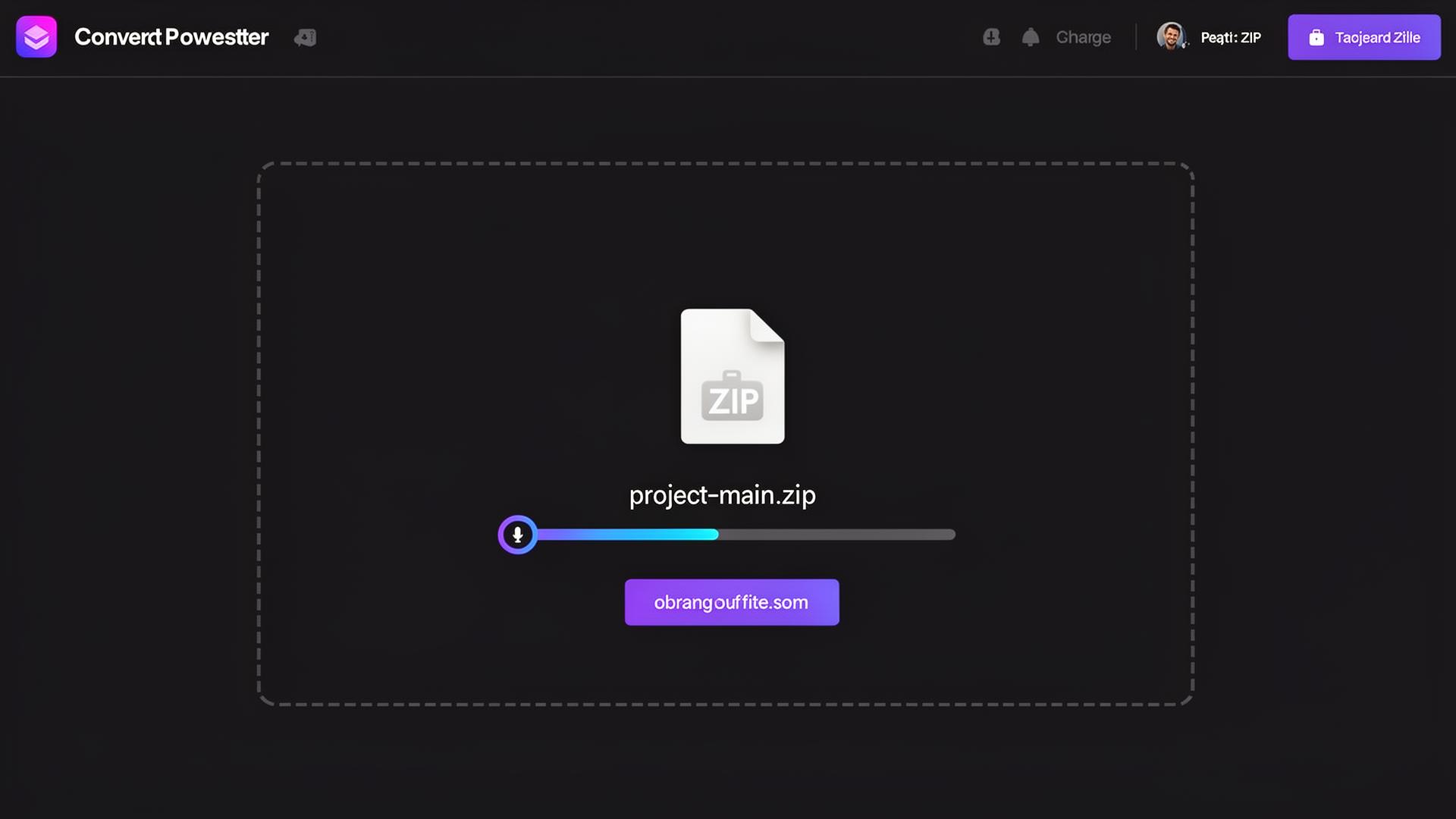
Supply your export
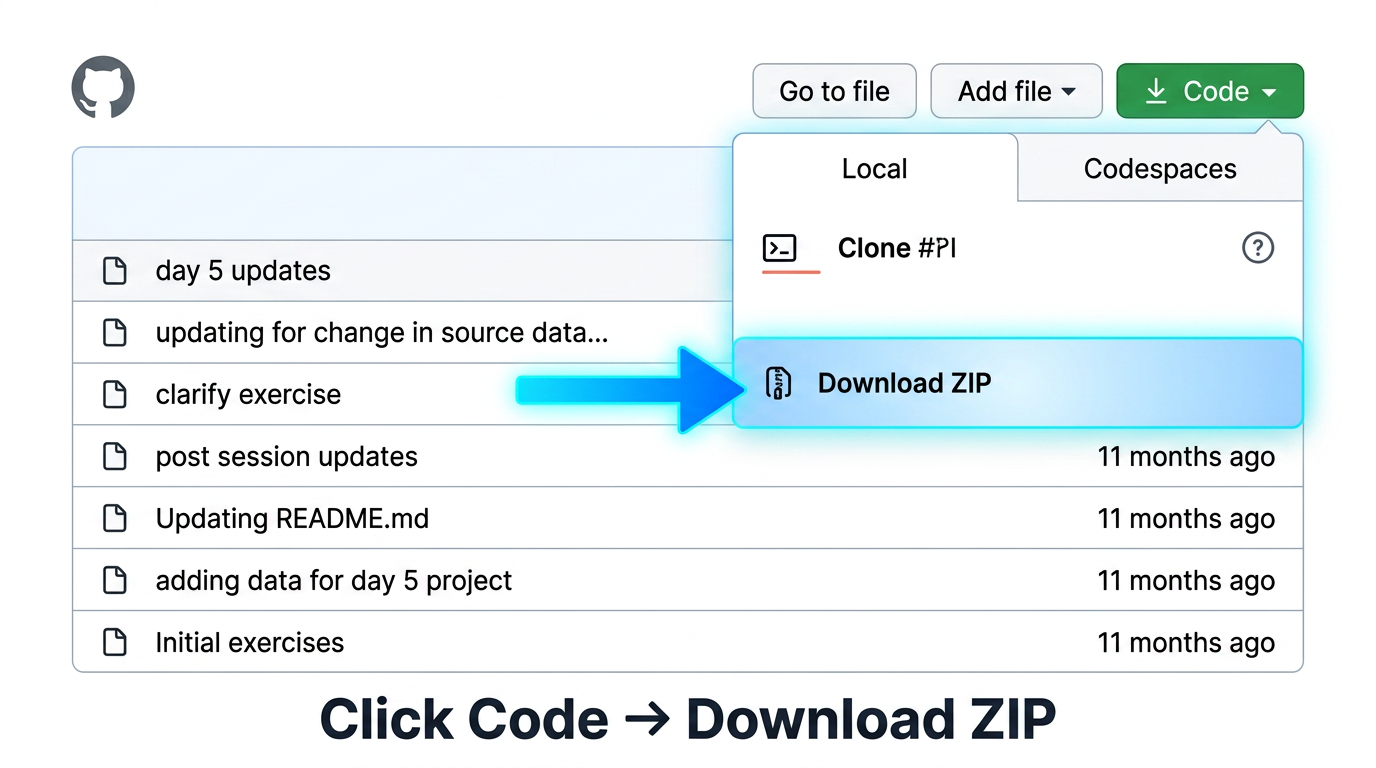
Provide your GitHub repository link or drag-and-drop a ZIP file. Every exported codebase, from hand-coded HTML to AI-generated prototypes, is supported.
Fonts, images, JS, CSS, HTML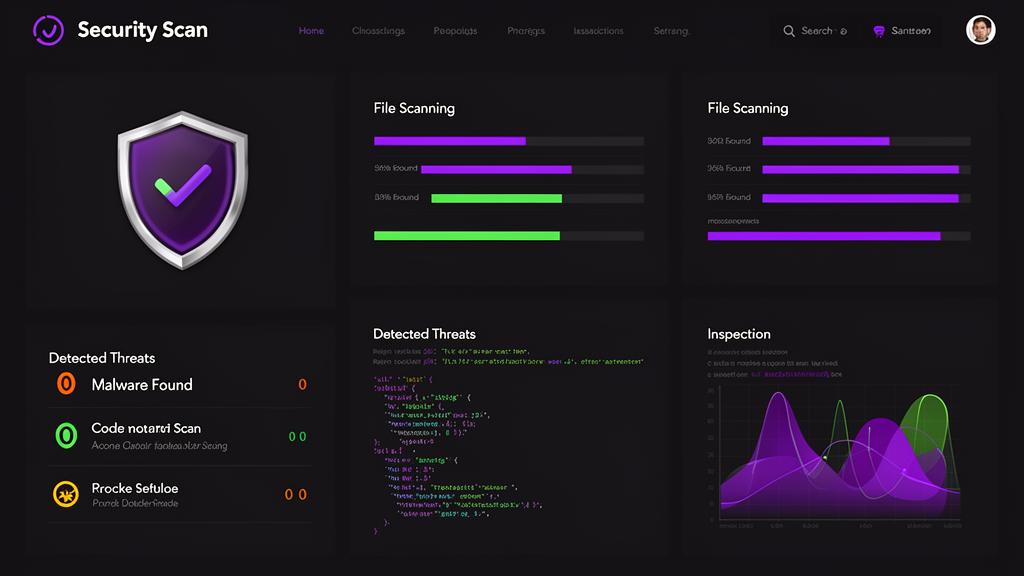
Check the upload
Automated security scans block suspicious payloads, scripts, and executables before the conversion sequence starts.
Layered upload checks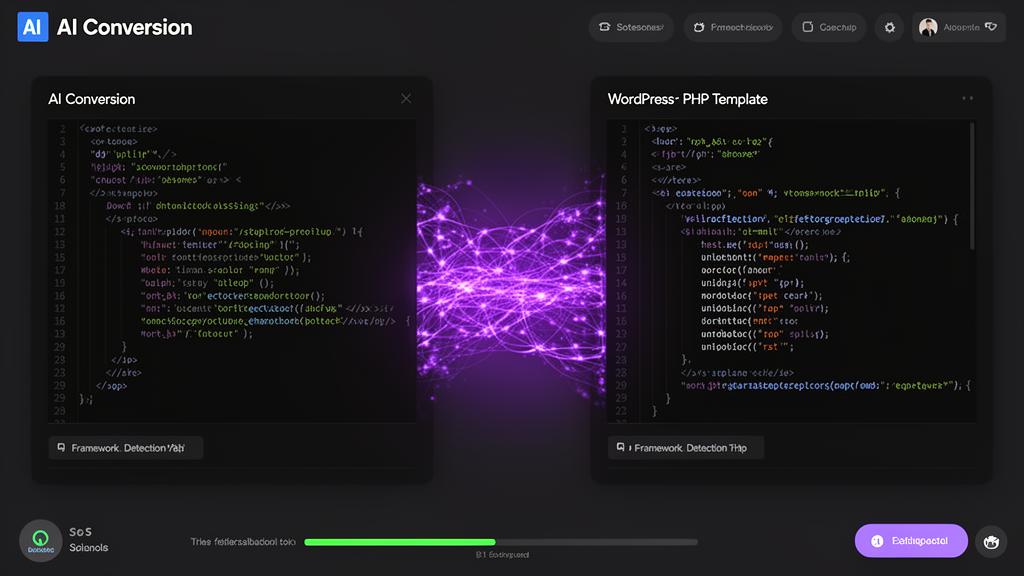
Prepare the theme
The engine determines your framework, maps the DOM, and produces a valid WordPress theme package.
Estimated time: under 3 minutes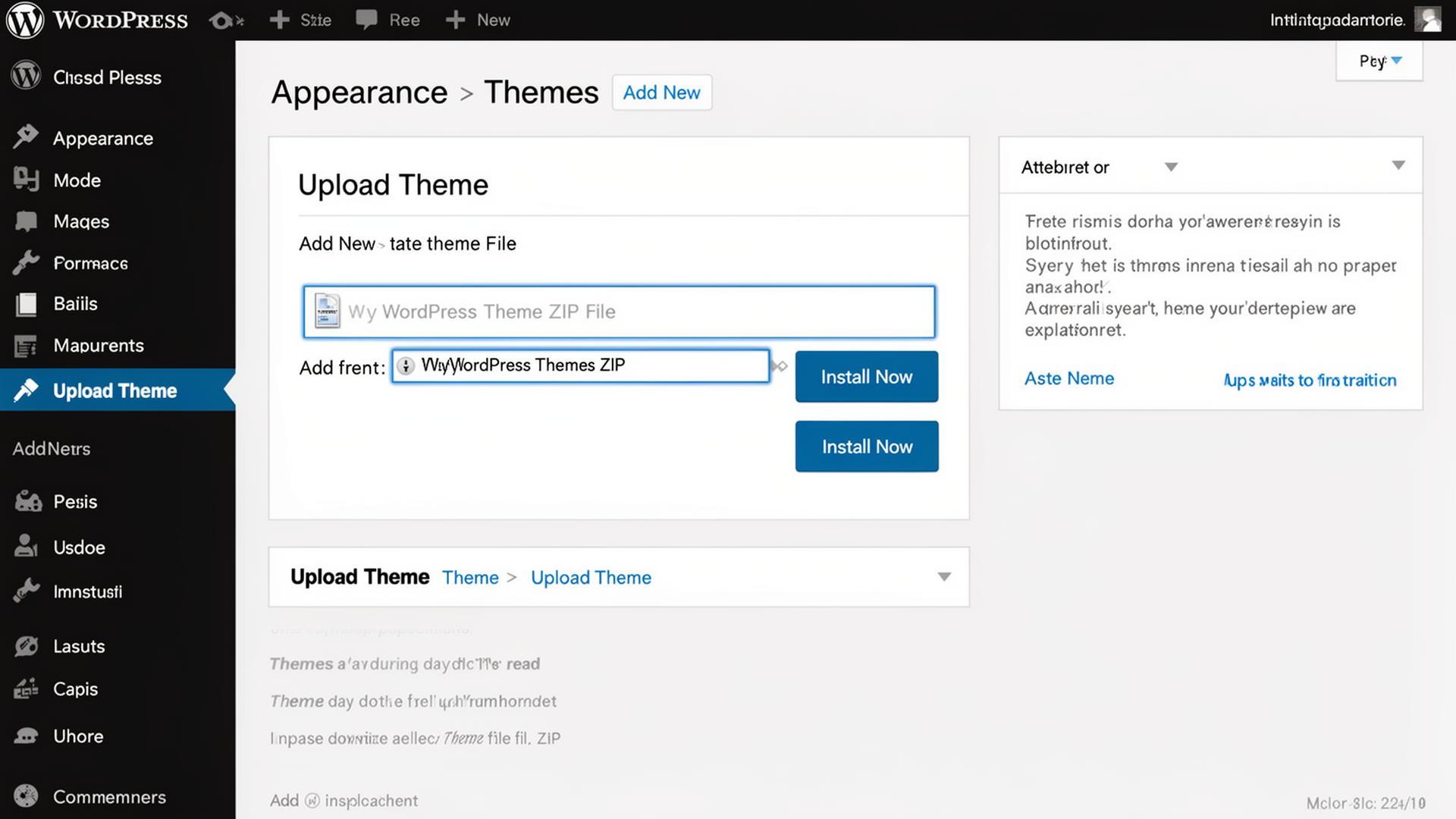
Review, then install
Explore your theme in a live sandbox environment. If you like it, finalize the purchase — no commitment is required beforehand.
Test before you buyTools for your WordPress handoff
Every project conversion provides access to enterprise-grade utilities, including a complimentary premium visual editor plugin.
Included Free: Premium Live Site Editor Plugin
Every theme arrives with a professional WYSIWYG WordPress plugin. Modify any frontend element visually without writing a single line of code or using page builders:
Source-aware conversion
Our system detects the source framework, maps component trees, and generates a valid WordPress theme structure automatically.
Isolated upload handling
Uploads are handled via TLS, verified by multi-stage malware scanners, processed in temporary sandboxes, and deleted after 72 hours.
Track a theme as it takes shape
Most conversions complete in under 3 minutes, with a progress indicator tracking each step from initial scan to finalized theme.
Theme files developers can extend
All PHP, CSS, and JS files output by CSS Genius adhere strictly to WordPress development standards, utilize correct asset enqueueing protocols, and remain entirely modifiable by any web professional.
Automated Navigation and Footer Extraction
The system scans your provided HTML to identify navigation patterns and footer blocks, automatically transforming them into functional, native WordPress menu zones.
Page builder integrations
Upcoming integrations include Elementor, Gutenberg blocks, and other leading site builders, enabling drag-and-drop editing functionality directly onto your freshly converted theme.
Protection throughout the handoff
We prioritize security throughout every phase: sensitive uploads are scanned for threats, data silos prevent cross-user access, and all temporary information is purged automatically after the conversion task concludes.
Malware Scanning
Prior to processing, every submitted file undergoes a thorough security scan to detect viruses, malicious scripts, executable formats like .php, .bat, or .exe, and any potentially dangerous injection patterns.
Private Data Isolation
Each user’s uploads are kept in private, separately scoped storage. Other users cannot access your files through their accounts.
Sandboxed Processing
Conversions occur within sandboxed, short-term environments devoid of external execution capabilities, ensuring absolute isolation from all other user data.
Preview Before Payment
A live preview is included with every conversion. Thoroughly evaluate your WordPress theme functionality before deciding to finalize your purchase.
72-Hour Auto-Cleanup
Uploaded files, previews and temporary conversion data are permanently removed automatically after 72 hours.
Sanitized Output
The conversion process includes rigorous sanitization of inline scripts, the elimination of suspicious code, and validation of all output against WordPress security best practices.
Your existing design, a new WordPress structure
While the original visual aesthetic remains unchanged, the underlying code is re-engineered into a properly structured WordPress theme featuring content-ready templates.
Included in the theme
- HTML framework → WordPress PHP template files
- CSS styling → Properly enqueued stylesheet files
- JavaScript behaviors → Correctly initialized script assets
- Icons, fonts, and images → Theme-integrated assets
- Responsive layouts → Full retention of all screen breakpoints
- Animations (CSS & JS) → Fully preserved theme effects
- Meta data → Search engine optimized output
- Navigational menus → WordPress menu and footer system
- Contact forms → Integrated with WPForms or CF7 (Pro feature)
Unsupported Features (Full Disclosure)
- Server-side processing and backend application logic
- User authentication systems
- Database query structures and connection strings
- Dynamic SaaS dashboards
- Payment processing logic
- Real-time features (WebSocket)
- Webhooks and external API communication
- Custom-built generators and calculators
- Source files from Sketch, Adobe XD, or Figma (supports exported code only)
Visual editing after installation
Update text, images and buttons on your live WordPress pages; advanced editing controls are available with Pro.
Pro form connections
Your existing forms are detected and mapped to Gravity Forms, WPForms, or CF7 while retaining your original design.
Choosing Between CSS Genius and Manual Development
A transparent overview of the strengths of automated conversion, the ongoing value of developer expertise, and how modern agencies leverage both to optimize project timelines and costs.
Benefits of Automated Conversion
- High Speed: 2–5 minute turnaround versus waiting 2–5 weeks
- Predictable Cost: Flat $17 fee regardless of project intricacy
- Uniformity: Consistent output quality without human error or variability
- Risk-free Evaluation: Preview the theme before making a payment
- Reduced Overhead: Eliminate the need to hire, brief, or manage external developers
Limitations of Automated Conversion
- Backend server-side logic is excluded from the conversion
- Intricate custom WordPress functionality requires manual implementation
- Unconventional HTML structures may necessitate minor manual CSS adjustments
Utilize CSS Genius conversion when:
- Your project focuses primarily on marketing, portfolios, or landing pages
- You require immediate results on a minutes-based timeline
- You seek cost efficiency, choosing a $17 flat rate over $500–5,000 developer fees
- You are migrating from static HTML or a compatible site builder
- You want to perform a comprehensive review before committing funds
- You are managing batch conversions for multiple client websites
Utilize a Manual Developer when:
- The project necessitates complex backend logic within the WordPress environment
- You require advanced customization via custom filters, hooks, or unique plugins
- You are developing a web application featuring custom taxonomies, REST API endpoints, or custom post types
- Ongoing WordPress maintenance and long-term development are required
- The site serves as a complex SaaS interface requiring real-time updates and user authentication
The Hybrid Strategy (Leveraging Both Resources)
An agency can use CSS Genius for the initial theme conversion ($17, about 5 minutes), then assign 1–2 hours of developer time to WooCommerce, custom form delivery or other WordPress-specific work. The example budget is under $300 with delivery in less than a day. This combines 90% of the conversion speed with 100% of a developer’s flexibility, rather than treating automation and custom development as competing choices.
A practical handoff for creators and teams
From independent developers to agency teams, CSS Genius simplifies the migration of exported projects into production-ready WordPress themes, eliminating the need for full re-development.
Design-led creators
Prototype your designs in Base44, V0.dev, Cursor, or Lovable, then deploy them as live WordPress themes without writing a single line of custom code.
Agency and Client Teams
Managing several client handoffs? Convert the exports to a consistent WordPress stack and shorten the delivery work from days to minutes.
WordPress implementers
Bypass the manual effort of HTML-to-PHP scaffolding. Our engine produces the boilerplate, allowing you to prioritize performance optimization and unique feature development.
Teams preparing to grow
Ready to upgrade from a static AI landing page? Retain your preferred design while gaining the full benefits of the WordPress CMS, SEO ecosystem, and plugin library.
Bring your design from these source platforms
From classic website builders to modern AI coding tools: as long as your project provides a code export, conversion is possible.
Lovable → WordPress
Transformation of Vite/React applications into organized WordPress themes, featuring JSX-to-PHP template conversion, automatic asset bundling, and responsive design preservation.
- React/Vite support
- Component structure preserved
- Responsive layouts
Framer → WordPress
Framer-built websites are turned into professional WordPress themes, keeping all animations, interaction logic, and responsive screen breakpoints intact.
- Animation preservation
- Breakpoints kept
- Design fidelity
Webflow → WordPress
Conversion of Webflow projects with full CMS compatibility, where interactions, custom CSS classes, and SEO configurations are automatically mapped to WordPress standards.
- CMS structure mapped
- CSS preserved
- SEO transferred
Cursor AI → WordPress
Transformation of Cursor-generated AI projects into production-ready WordPress themes, with full support for Next.js, vanilla HTML, and React structures.
- AI code detected
- Framework-agnostic
- Clean PHP output
V0.dev → WordPress
Conversion of V0.dev UI pages and components into WordPress themes, featuring clean, maintainable CSS stylesheets derived from Tailwind.
- Tailwind conversion
- Component-based
- shadcn/ui support
Base44 → WordPress
Conversion of Base44 application exports into WordPress themes, including comprehensive project processing and automated asset management.
- Full project support
- Asset normalization
- Clean conversion
Bolt.new → WordPress
Transformation of Bolt.new AI-generated applications into professional WordPress themes with one-click export and instant processing.
- One-click export
- AI code support
- Fast processing
Replit → WordPress
Replit-based web projects, ranging from simple HTML sites to complex React applications, are converted into fully functional WordPress themes.
- Multi-framework
- Asset normalization
- Build processing
Google AI Studio → WordPress
Google AI Studio projects are transformed into clean WordPress themes, ensuring seamless conversion of semantic HTML output.
- Clean code output
- Semantic HTML
- Fast conversion
Claude → WordPress
Transformation of Claude-generated website code into WordPress themes, supporting both exported HTML and website artifacts.
- Artifact support
- Clean HTML output
- AI code handling
React → WordPress
Any React SPA (CRA, Vite, or custom) can be converted into a WordPress theme, featuring per-route pre-rendered HTML and full hydration preservation.
- Vite & CRA Compatibility
- Route pre-render
- Hydration preserved
Next.js → WordPress
Next.js projects, utilizing either the App Router or Pages Router, are converted into WordPress themes with metadata, routing structures, and SSG/ISR support intact.
- App/Pages Router
- SSG snapshots
- Metadata preserved
Static HTML → WordPress
Static HTML websites are turned into dynamic WordPress themes, complete with navigation menus and a proper WordPress template hierarchy.
- Template hierarchy
- Navigation extraction
- Any HTML source
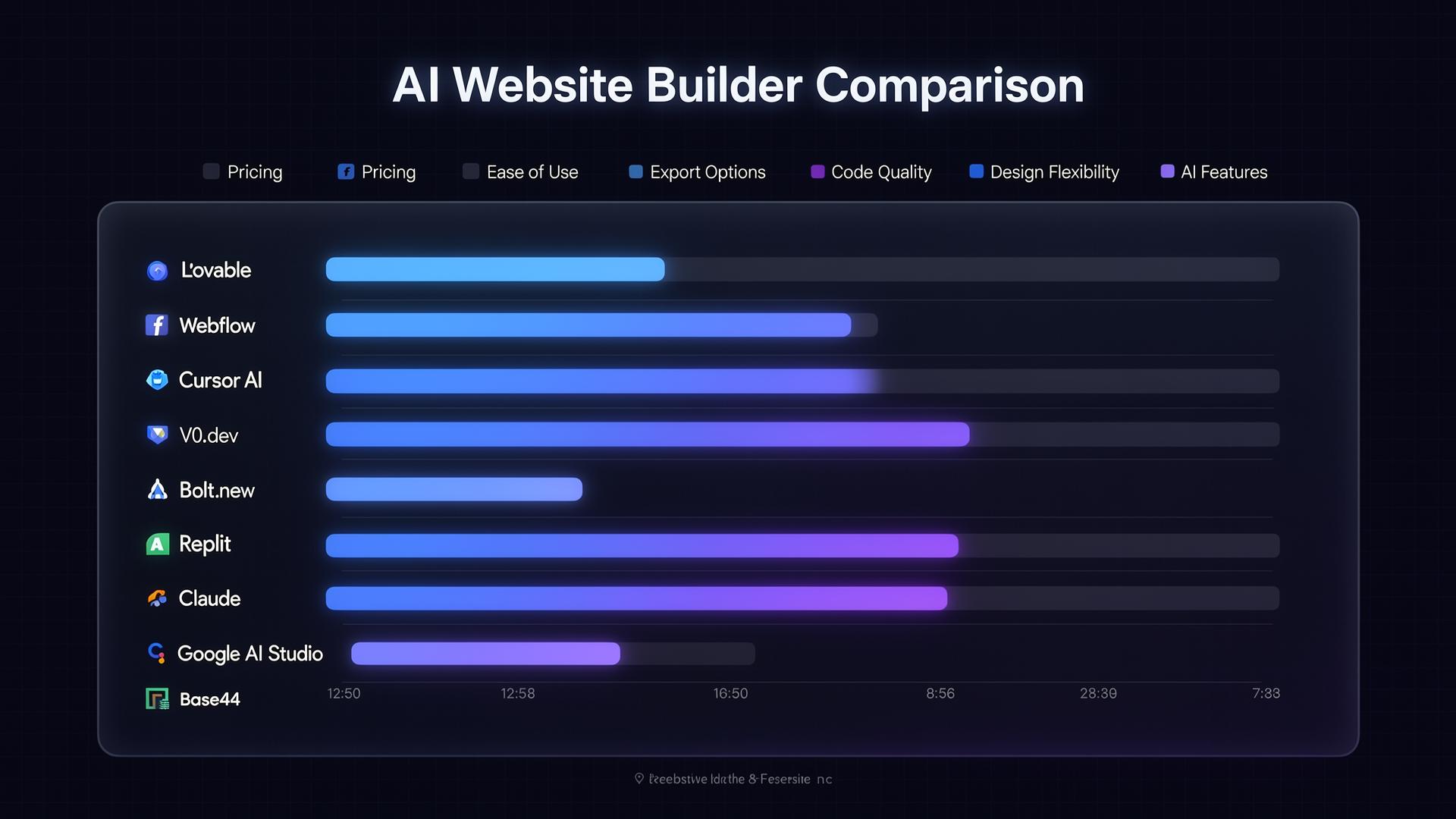
AI Website Builder Comparison Guide
An immediate side-by-side evaluation of leading AI website builders, covering their respective WordPress compatibility, export options, features, and pricing.
| Platform | Pricing | Ease of Use | Export Options | Code Quality | Design Flexibility | AI Features |
|---|---|---|---|---|---|---|
| Lovable | ⭐⭐⭐⭐ | ⭐⭐⭐⭐⭐ | ⭐⭐⭐⭐⭐ | ⭐⭐⭐⭐⭐ | ⭐⭐⭐⭐ | ⭐⭐⭐⭐⭐ |
| Webflow | ⭐⭐⭐ | ⭐⭐⭐⭐ | ⭐⭐⭐⭐ | ⭐⭐⭐⭐ | ⭐⭐⭐⭐⭐ | ⭐⭐⭐ |
| Framer | ⭐⭐⭐ | ⭐⭐⭐⭐ | ⭐⭐⭐ | ⭐⭐⭐⭐ | ⭐⭐⭐⭐⭐ | ⭐⭐⭐ |
| Cursor AI | ⭐⭐⭐⭐ | ⭐⭐⭐ | ⭐⭐⭐⭐⭐ | ⭐⭐⭐⭐⭐ | ⭐⭐⭐ | ⭐⭐⭐⭐⭐ |
| V0.dev | ⭐⭐⭐⭐⭐ | ⭐⭐⭐⭐⭐ | ⭐⭐⭐⭐ | ⭐⭐⭐⭐⭐ | ⭐⭐⭐⭐ | ⭐⭐⭐⭐⭐ |
| Bolt.new | ⭐⭐⭐⭐ | ⭐⭐⭐⭐⭐ | ⭐⭐⭐⭐ | ⭐⭐⭐⭐ | ⭐⭐⭐ | ⭐⭐⭐⭐ |
| Replit | ⭐⭐⭐⭐ | ⭐⭐⭐⭐ | ⭐⭐⭐⭐ | ⭐⭐⭐ | ⭐⭐⭐ | ⭐⭐⭐⭐ |
| Claude | ⭐⭐⭐⭐⭐ | ⭐⭐⭐⭐ | ⭐⭐⭐ | ⭐⭐⭐⭐⭐ | ⭐⭐⭐ | ⭐⭐⭐⭐⭐ |
| Google AI Studio | ⭐⭐⭐⭐⭐ | ⭐⭐⭐⭐ | ⭐⭐⭐ | ⭐⭐⭐⭐ | ⭐⭐⭐ | ⭐⭐⭐⭐ |
| Base44 | ⭐⭐⭐⭐ | ⭐⭐⭐⭐ | ⭐⭐⭐ | ⭐⭐⭐ | ⭐⭐⭐ | ⭐⭐⭐ |
Conversion Tools For Every AI Builder
Pick your platform and see exactly how the CSS-GENIUS.NET engine turns that export into a production-ready WordPress theme.
Keep developing your site with WordPress
Use an AI builder to develop the first design, then use WordPress for ongoing content management. Its extensibility, hosting freedom and operational stability give a growing team room to develop the site further.
Choose your own hosting
Retain full control over your code, data, and hosting environment. We ensure no usage limitations, hidden future costs, or vendor lock-in.
Extensive Library of 60K+ Plugins
Need to add memberships, multilingual support, payment processing, or analytics? There is a proven, reliable WordPress plugin for every requirement.
Manage search essentials
WordPress provides comprehensive control over search visibility, including structured data, XML sitemaps, canonical URL management, and meta tags.
Extend an open platform
Customize everything. Build unique plugins, integrate REST APIs, or incorporate React components—your development stack is entirely subject to your own preferences.
The Most Trusted CMS on the Web
WordPress powers 43% of all websites. Benefit from two decades of consistent innovation and the largest open-source web development community.
Your prototype is ready for its next stage: a WordPress site you can maintain and extend.
Begin Your Free Preview →Does your project fit the conversion?
To avoid any confusion, please review our list of supported and unsupported project types before you begin.
What CSS Genius Handles Best
- Landing pages & marketing websites
- Content-focused sites & blogs
- Agency & portfolio websites
- Client-side SPAs (Next.js static exports, Vite, React)
- AI builder exports (Bolt.new, V0.dev, Framer, Cursor, Lovable, etc.)
- Static multi-page sites with navigation
Not Supported
- Apps with backend APIs (server-side)
- Projects requiring server-side logic or databases
- Payments, user accounts, and authentication systems
- Features using WebSockets or real-time dashboards
- Custom app logic and interactive tools
- Design exports from Sketch, XD, or Figma (code only)
CSS Genius focuses on your site's structure and visual layer. Following migration, dynamic tools, app logic, and backend functionality will need to be re-implemented via custom code or WordPress plugins.
Choose your conversion allowance
All plans provide access to our full conversion engine. Preview your site for free and pay only when you are ready to download.
Single Conversion
No subscriptions—one-time payment unlock
- Save 50% on your first conversion: $8.50 (regularly $17)
- Full AI-powered conversion for complex sites
- Standard .zip WordPress theme export
- Content editor for text, images, buttons, and headings
- Immediate download upon payment
- Includes a 24-hour preview period before you buy
- Malware scanning included
Pro
Pays for itself in just ~3 site conversions
- 25 conversions every month
- Cancel your recurring monthly plan whenever you like
- Full AI-powered conversion for complex sites
- Download ZIPs directly via your dashboard
- Priority queue
- Email support
Agency
Designed for teams and agencies
- All Pro features, plus:
- Unlimited conversions
- Parallel and priority processing
- Seats for up to 5 team members
- Dedicated Slack support
- Custom branding options
Conversion credits without a subscription
Need occasional conversions without monthly bills? Purchase a credit pack. They include every Pro feature and never expire.
1
conversion
$8.50
first conversion (then $17)
5
conversions
$80
$16/conv
10
conversions
$150
$15/conv
30
conversions
$399
$13.30/conv
Before you move your site
Answers to your most frequently asked questions.
Ready to Migrate Your Site to WordPress?
Upload your project, examine the free preview, and purchase your production-ready theme once it meets your standards.