WORDPRESS TO AI: Export to Lovable, Bolt, Cursor, Claude, AI Studio, v0 & React
Convert WordPress to clean React + Vite + Tailwind for Lovable, Bolt.new, Cursor AI, Claude or local development.
Start your conversion
Bring your WordPress export
Static HTML ZIP is recommended for the most complete input.
Drag and drop your static export
ZIP archive · up to 100 MB
ZIP conversion is processed in your browser. Files are not uploaded to our servers for this conversion.
How it works · for beginners
From WordPress to your AI website in 6 easy steps
No technical knowledge needed. Just follow the steps in order.
- 1
Download the plugin
Click the button below and save the small plugin file (.zip) on your computer.
- 2
Upload it to WordPress
In WordPress go to Plugins → Add New → Upload Plugin. Choose the file and click Install, then Activate.
- 3
Open CSS Genius Exporter
After activation, click CSS Genius Exporter directly in the left-hand WordPress admin menu (not under Tools). Click ‘Exporteer & converteer in 1 klik’ to create the export and open CSS Genius.
- 4
Transfer or upload your ZIP
CSS Genius retrieves the export automatically when your hosting allows it. If transfer fails, return to the plugin, click ‘Download ZIP naar computer’, then choose that ZIP in the converter above. Export links expire after one hour; generate a new export if needed.
- 5
Download your project
Click the download button. You now have a ready AI project ZIP with all pages, texts and images.
- 6
Give it to your AI builder
Start a New Project in Lovable, Bolt, Cursor or Claude, add the ZIP and paste the prompt below. The AI unpacks it and builds your website. Then simply ask the AI to add the working parts behind it, such as online payments, a contact form, email notifications, user logins or a database.
Essential AI import prompt — paste with your project ZIP
Unpack the attached ZIP and use its existing React 18 + Vite + TypeScript + Tailwind project as the source of truth. Do not redesign or replace it with a new template. Preserve every page, route, text, layout, CSS class, responsive style, font and image. Keep all files in public/assets and preserve their references. Install the dependencies and run the application. Check every route, menu and image, and fix only missing dependencies or broken references without changing the design. WordPress PHP, database, payments and form submissions are not included: do not claim they work; ask before reconnecting these features.
Why ZIP beats URL scraping
The truth about live URL scrapers and native AI importers
Live URL imports can be convenient, but access controls and incomplete crawls can affect the result. A static ZIP gives the converter local files to work with; results still depend on what the export contains.
Live URL scraping & native import
- —Cloudflare & bot blockers: Live crawlers can be blocked by WAFs, CAPTCHAs, or security plugins such as Wordfence and Turnstile.
- —Missing images: loading="lazy", data-src, srcset variants, and CSS background-image files can be missed or left blank by remote crawls.
- —Inferred layouts: Screenshot- or AI-based importers may guess at layouts, invent classes, or misread responsive breakpoints.
- —Variable AI usage: AI-driven visual imports may consume provider credits; exact usage depends on the platform and workflow.
- —Multi-page friction: Crawling may miss menus, subpages, query URLs such as ?p=123, or time out on larger sites.
CSS Genius deterministic ZIP
- Local asset packaging: Supported images, logos, webfonts, and stylesheets found in the ZIP are copied into the output; completeness depends on the export and converter limits.
- No external page crawl: Conversion reads the archive locally, avoiding network scraping barriers during the conversion step.
- Deterministic conversion: HTML-to-project conversion is deterministic browser code with repeatable results.
- Preserve source markup: The converter uses exported HTML classes, typography, and responsive structures instead of recreating the page from a screenshot.
- Browser-side ZIP processing: The archive is processed in browser memory and is not uploaded for ZIP conversion. The optional live-URL mode is separate.
Portable output
Take your code to the tools you already use
Lovable
Import the project where ZIP import is supported, or connect a repository and iterate with AI.
Bolt.new
Use the standard Vite source as a starting point in Bolt's browser-based workspace.
Cursor & Windsurf
Open the project folder, install dependencies, and refactor the generated React code with your editor's AI tools.
Google AI Studio & Claude
Share project files as model context to request focused code changes; review and test generated output.
v0 by Vercel
Use selected TSX components as context for UI iterations, then integrate and verify the changes.
Static hosting
Build and deploy the Vite project to Vercel, Netlify, Cloudflare Pages, or similar hosts.
Local PC & VS Code
Unpack the ZIP on your own computer, build locally in VS Code, or deploy to your own server or Docker container without depending on a cloud builder. Run npm install && npm run dev.
Official WordPress plugin
CSS Genius Site Exporter
Our companion plugin exports public pages and supported local assets from WordPress. Direct transfer depends on your hosting; downloading and uploading the ZIP is the alternative. No passwords, PHP files, or database data are exported.
Upload & activate
Upload convert2wp-exporter.zip in WordPress Admin under Plugins → Add New → Upload Plugin, then activate it.
Open the left-hand menu
Click CSS Genius Exporter directly in the WordPress admin sidebar, not under Tools. Only administrators can export. If you have the old plugin, upload this updated ZIP and choose Replace current with uploaded.
Export & transfer
Click “Exporteer & converteer in 1 klik”. If your hosting blocks transfer, use “Download ZIP naar computer” and upload it here. Download the converted project, then attach it to your AI builder with the essential import prompt below the preview.
Three clear steps
From WordPress export to your own React project
Export the rendered site, convert the files locally in your browser, then choose an AI builder or work entirely on your own PC.
Export from WordPress
WordPress Admin · Tools
1-Click Companion Plugin or Simply Static
Use the companion plugin or Simply Static to create an archive of your published pages and available local assets.
Deterministic browser conversion
HTML → React + Vite + TailwindThe ZIP converter processes the archive in your browser locally. Conversion time depends on archive size and your device.
Choose your next workspace
Lovable / Bolt
“Add Stripe & a contact form”AI usage varies by provider and task
npm run dev
Download the project to use with a builder, Cursor, VS Code, or your own hosting setup.
Frontend first, AI backend
Launch in Lovable or Bolt for just 1–2 credits
CSS Genius does the heavy frontend conversion in your browser. Lovable or Bolt then add the backend with simple prompts.
Drop it into Lovable or Bolt
Create a new project and drop the converted ZIP into the chat or build box. The AI unpacks your complete frontend framework in one step; this typically costs only a small number of credits (often 1–2, depending on your plan and project size).
Your website is live in the preview
Layouts, typography, images, and pages from your export work right away in the live preview. Review it, then keep iterating on the design.
Let AI build the backend
- “Connect Stripe payments for my products”replaces WooCommerce
- “Add a contact form with email notifications”replaces Contact Form 7 / WPForms
- “Add user authentication and database”replaces WordPress users & MySQL
Credit usage depends on the tool, your plan, and your project; check Lovable or Bolt for current pricing.
From WP-Admin to a live AI-builder workspace
Schematic UI mockups of the three steps. Timings and numbers are examples, not benchmarks.
Export in WP-Admin
CSS Genius Exporter in the left-hand admin menu creates the static ZIP.
Convert in your browser
Deterministic, repeatable conversion.
Continue in an AI builder
Prompt for features on top of existing markup.
PHP template loop vs. plain React component
Illustrative comparison. Performance figures depend on your host, theme and plugins.
export default function BlogPage() {
  return (
    <main className="mx-auto max-w-3xl p-6">
      <h1 className="text-3xl font-bold">Blog</h1>
      <article className="mt-6">…</article>
    </main>
  );
}- Static files, client-side routing
- No PHP or database at runtime
- Example: ~50 ms TTFB from a CDN
- Readable TSX that AI tools can modify
Pick your builder, copy the command
Ready-made commands and starter prompts. Setup times are rough estimates and depend on your account and connection.

Lovable
Drop the downloaded ZIP into the Lovable chat box or project creation prompt (ZIP import availability depends on your account).
📋 Copyable AI Prompt (paste directly into the chat):
I've imported an exported WordPress website converted to React + Vite + Tailwind CSS. Please inspect src/App.tsx and all pages in src/pages/. Keep all existing layouts, typography, images, and responsive styling intact. Start the dev server and help me add a modern contact form with email notifications.
Suggested next steps
Drop and launch
A realistic example of the next step
Static illustration only; builder responses, detected routes, and asset totals depend on the imported project.
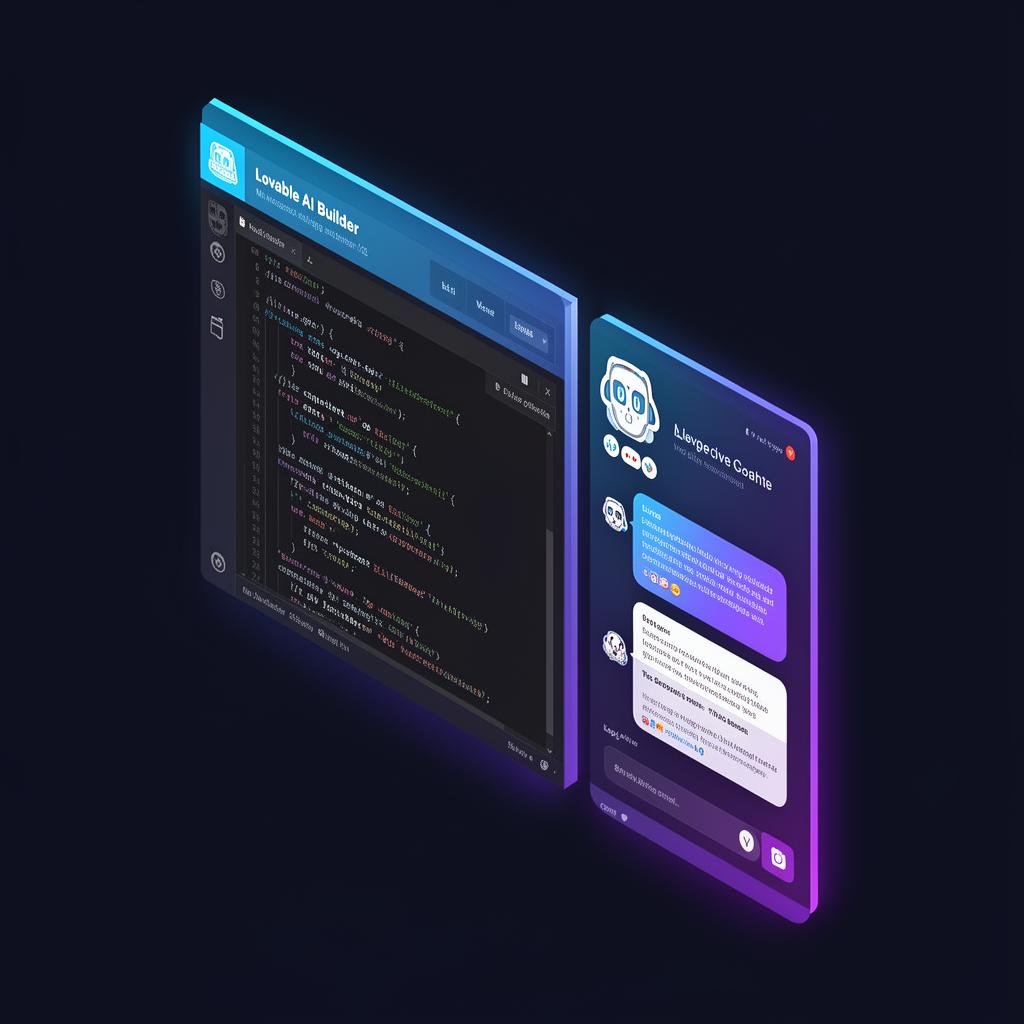
acme-site-ai-project.zip
Example project · 1.8 MB
I’ve received the React + Vite project. Review the project structure and start the preview using this workspace’s import flow. What would you like to build next?
Illustrative mockup — not a live or guaranteed AI-builder response.
Take your code further
Step-by-step guides for your AI builder and local workflow
The export is a standard React + Vite project. Choose a tool to see a practical starting workflow; supported import features change over time.
Import guide
Lovable
- 1Create a new project in Lovable.
- 2Add the converted project using a supported ZIP workflow, or connect its GitHub repository. Import options can vary by account.
- 3Lovable can detect a standard Vite + Tailwind setup and start a preview. AI credit usage varies by plan and task; check the current usage shown in your account.
- 4Ask for backend work in small steps:
Connect Stripe payments for products,Add a contact form with email notifications, orAdd user authentication and a database.
Code transformation
From PHP templates to component-based React
Illustrative example: the rendered output of a template becomes clean TSX. Server-side logic such as queries and shortcodes is not migrated and must be rebuilt.
<?php get_header(); ?>
<div class="hero">
  <h1><?php bloginfo('name'); ?></h1>
  <?php echo do_shortcode('[contact-form-7 id="42"]'); ?>
</div>
<?php
global $wpdb;
$rows = $wpdb->get_results("SELECT * FROM wp_posts WHERE post_status = 'publish'");
while ( have_posts() ) : the_post(); ?>
  <article><h2><?php the_title(); ?></h2><?php the_content(); ?></article>
<?php endwhile; get_footer(); ?>import { Link } from "react-router-dom";
export default function HomePage() {
return (
<main>
<section className="hero">
<h1>Acme Studio</h1>
<form className="space-y-3">{/* rebuild with your backend */}</form>
</section>
<article className="mx-auto max-w-3xl p-6">
<h2 className="text-2xl font-bold">Welcome</h2>
<Link to="/about" className="text-primary hover:underline">About us</Link>
</article>
</main>
);
}<?php get_header(); ?>
<div class="hero">
<h1><?php bloginfo('name'); ?></h1>
<?php echo do_shortcode('[contact-form-7 id="42"]'); ?>
</div>
<?php
global $wpdb;
$rows = $wpdb->get_results("SELECT * FROM wp_posts WHERE post_status = 'publish'");
while ( have_posts() ) : the_post(); ?>
<article><h2><?php the_title(); ?></h2><?php the_content(); ?></article>
<?php endwhile; get_footer(); ?>WordPress vs modern AI stack
Why teams move to React + Vite
| Criteria | WordPress | Modern AI stack |
|---|---|---|
| Runtime | PHP + MySQL on every request | Static React + Vite bundle |
| Hosting | Heavy WordPress server | Global edge CDN / static hosting |
| Page speed | Often low on plugin-heavy themes | Static output is typically much faster (verify with Lighthouse) |
| Security | Exposed to plugin and theme vulnerabilities | No PHP or database in the frontend: a much smaller attack surface |
| AI compatibility | Hard to use with AI builders | Native fit for Lovable, Bolt, and Cursor |
| Maintenance | Constant updates and database backups | Minimal: dependency updates and redeploys |
Works with static exports from
Results depend on the rendered HTML of each site; script-driven builder features are not migrated.
Clear expectations
What the export brings along—and what it doesn’t
Exported content and styling
Rendered page markup, inline styles, CSS classes, and assets included in the static export are carried into the generated project when supported.
Modernized project structure
Pages are split into React components, known internal routes use React Router, and exported local assets are organized under public/assets.
Features to reconnect
PHP functions, WooCommerce behavior, server-side forms, authentication, and script-driven interactions need a replacement or manual rebuild.
Developer & agency FAQ
Questions about WordPress to React conversion
Your site. Your code. Your next step.
Move beyond legacy WordPress templates—on your terms.
Start with a static export, inspect every generated file, and rebuild the parts of your site that need modern application logic.